Controller and Keyboard
Local Player Support
Multiple players can play from the same device using controllers.
When in the lobby of a room or the room browsing menu, the Controller Options sidebar will appear on the right:
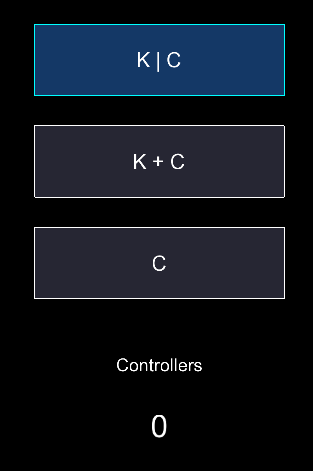
- K | C: Default option. Both the keyboard and any connected controllers will be linked to the same player. No additional local players are added.
- K + C: The keyboard will be linked to the main player (see below). All additional controllers (up to 3) will be linked to additional local players.
- C: The keyboard will be disabled for in-game inputs and only controllers (up to 4) will be linked. The first connected controller will be linked to the main player.
Main vs. Local Players
- The main player will retain the original username ingame (ex: “E12345E”) while local players will each be assigned a number suffix (ex: “E12345E - 2”, “E12345E - 3”).
- The main player will be linked to the account (in Multiplayer) while local players will be treated as “guests” with no accounts.
- There is no gameplay difference between main and local players.